Documentation Index
Fetch the complete documentation index at: https://docs.flowla.com/llms.txt
Use this file to discover all available pages before exploring further.
A trigger is the event that starts your workflow. It might be someone viewing a room, submitting a form, or a CRM deal moving to a new stage.
You can also define scopes so a trigger only runs under specific conditions.
What is a trigger
Think of a trigger as your workflow’s starting signal.
It tells Flowla: “Something important just happened. Now do what we planned.”
That could be:
- A room is viewed for the first time
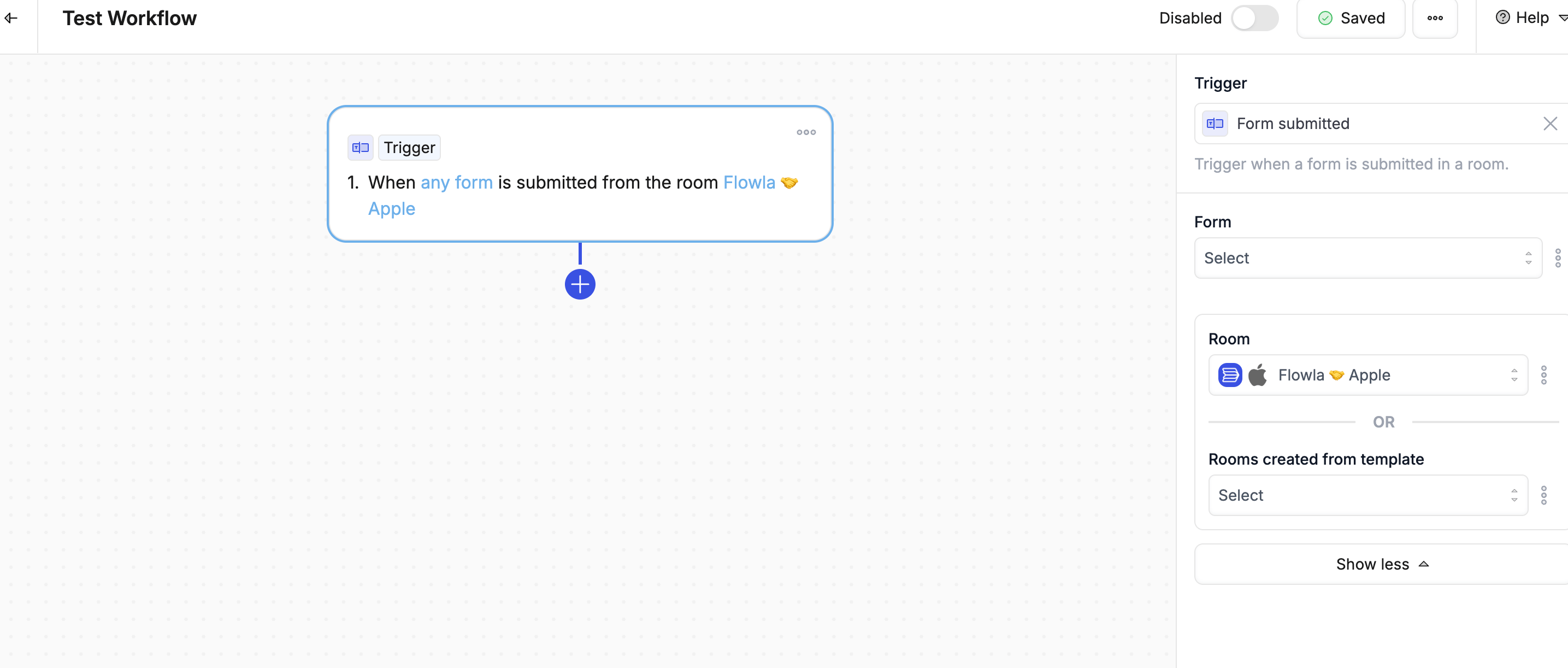
- A prospect fills out a form
- A deal in your CRM moves from Proposal to Closed Won
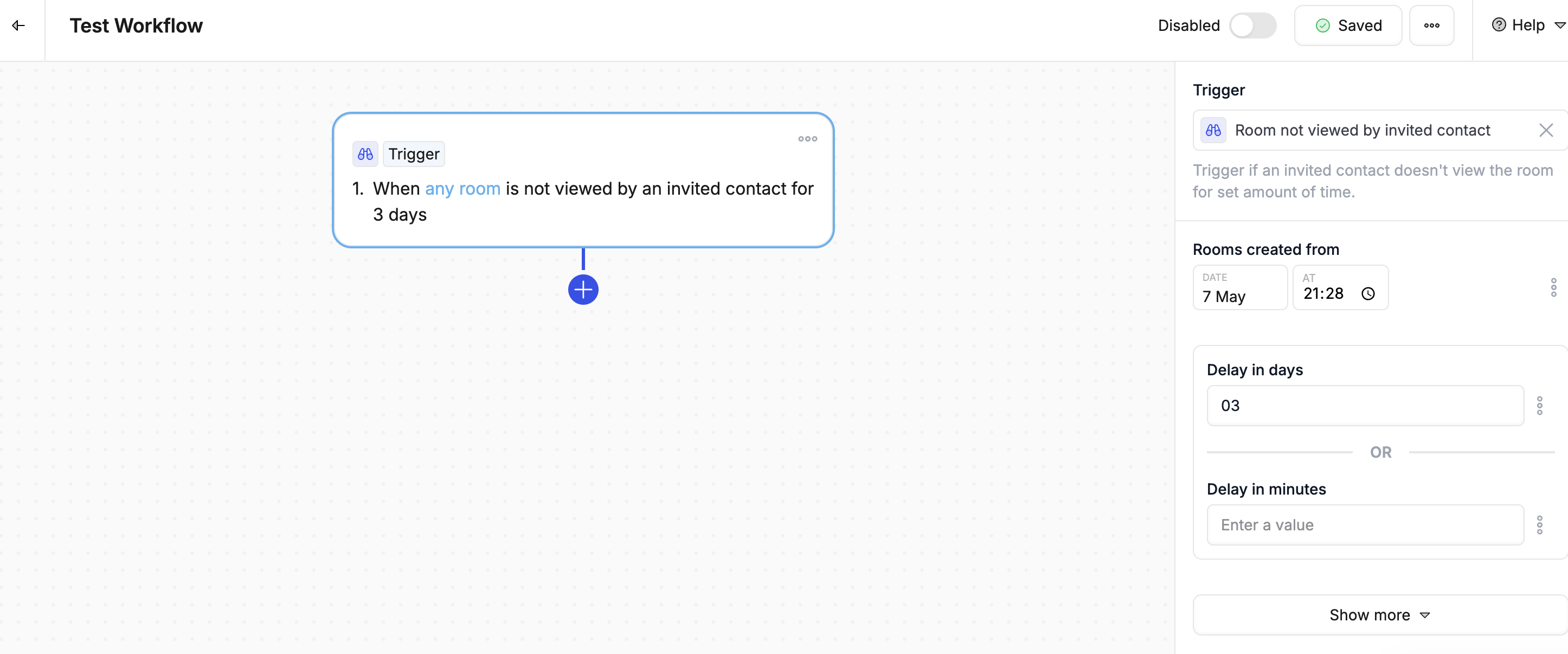
- A contact hasn’t opened their room in 3 days
You decide what counts as meaningful activity. Flowla listens and reacts.
Types of Triggers
Room Activity
| Trigger | Description |
|---|
| Room viewed | Fires when any viewer opens the room |
| Room viewed first time | Fires only on the first view of the viewer |
| Room not viewed | Fires when a room hasn’t been viewed within a time period |
| Room status changed | Fires when room status is updated |
| Room met criteria | Fires when room matches specific conditions |
| Trigger | Description |
|---|
| Form submitted | Fires when a form is completed |
Flowla actions
| Trigger | Description |
|---|
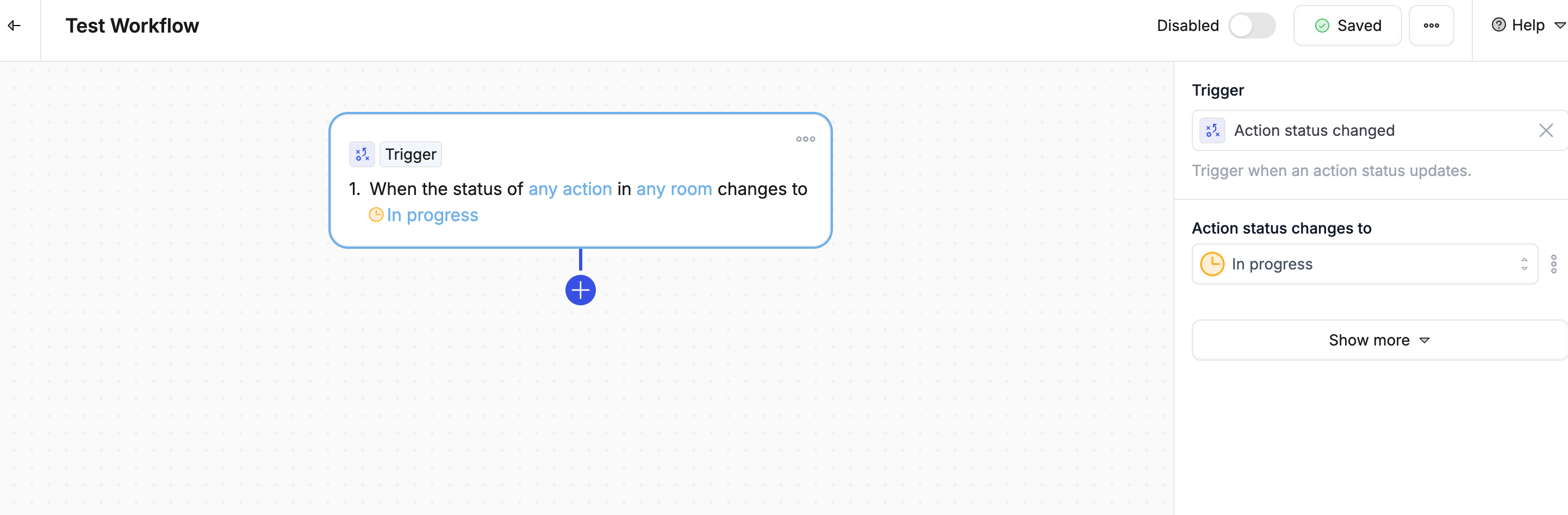
| Action status changed | Fires when an action is marked done, in progress, or cancelled |
| Action not completed | Fires when an action remains incomplete past due date |
| Stage completed | Fires when all actions in a section are done |
CRM - HubSpot
| Trigger | Description |
|---|
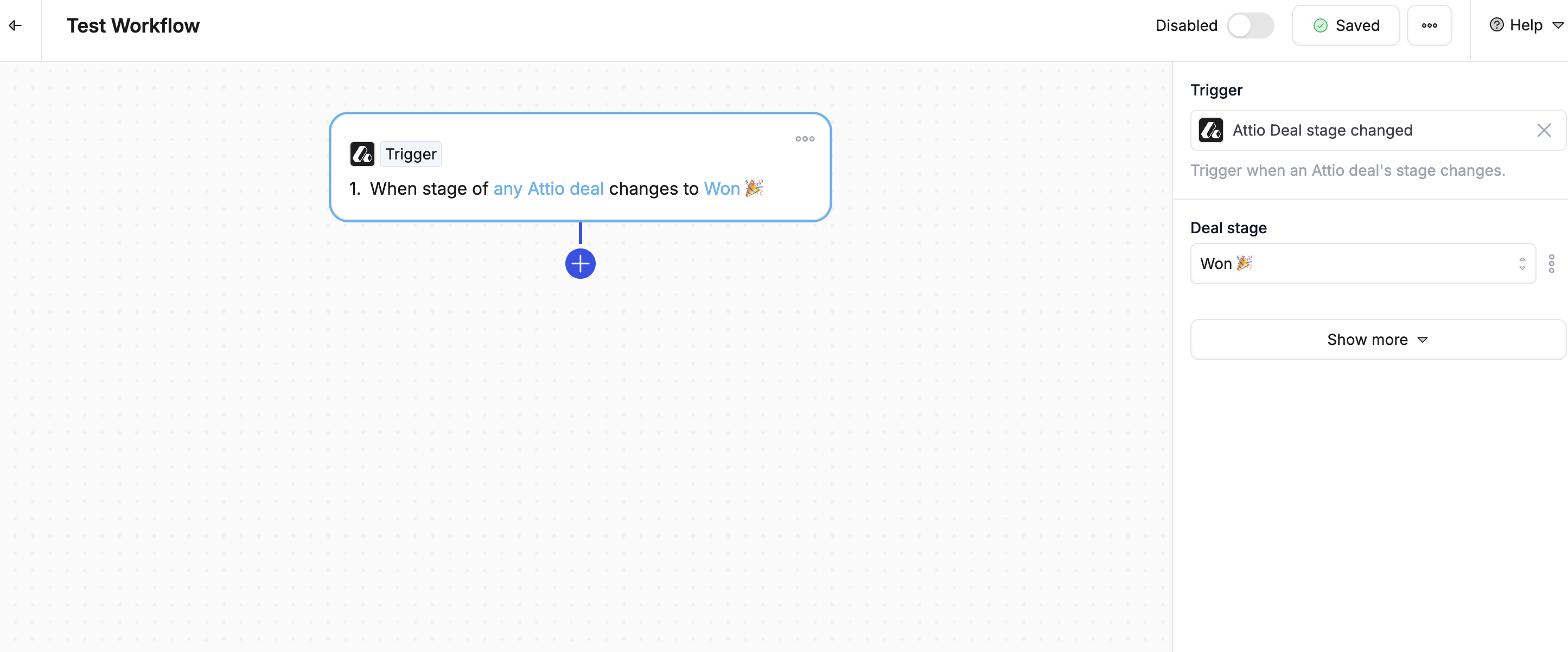
| Deal stage changed | Fires when opportunity moves to a different stage |
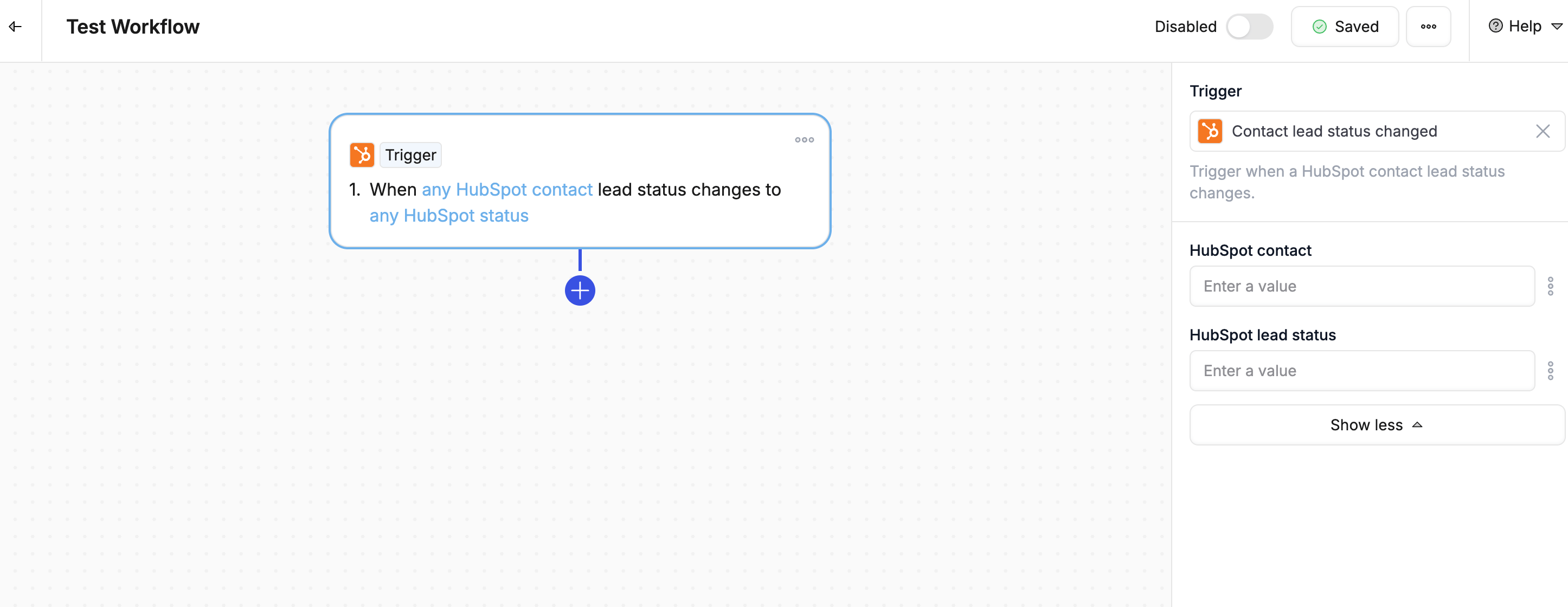
| Contact lead status changed | Fires when lead status is updated |
| Object created | Fires when a new deal, contact, or company is created |
| Property changed | Fires when any HubSpot property is updated |
| Ticket status changed | Fires when ticket status changes |
| Task completed | Fires when a HubSpot task is marked complete |
CRM - Salesforce
| Trigger | Description |
|---|
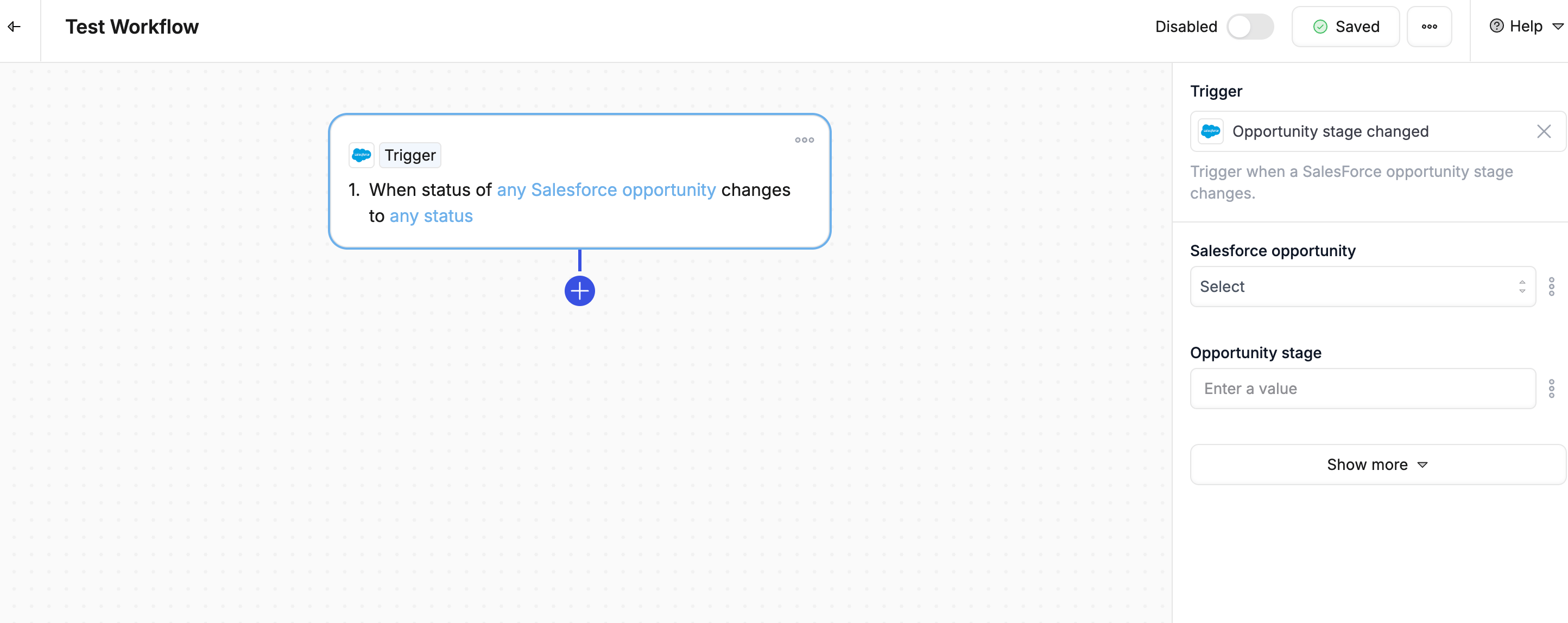
| Opportunity stage changed | Fires when opportunity moves to a different stage |
| Object created | Fires when a new record is created |
| Property changed | Fires when any Salesforce field is updated |
Call Transcripts
| Trigger | Description |
|---|
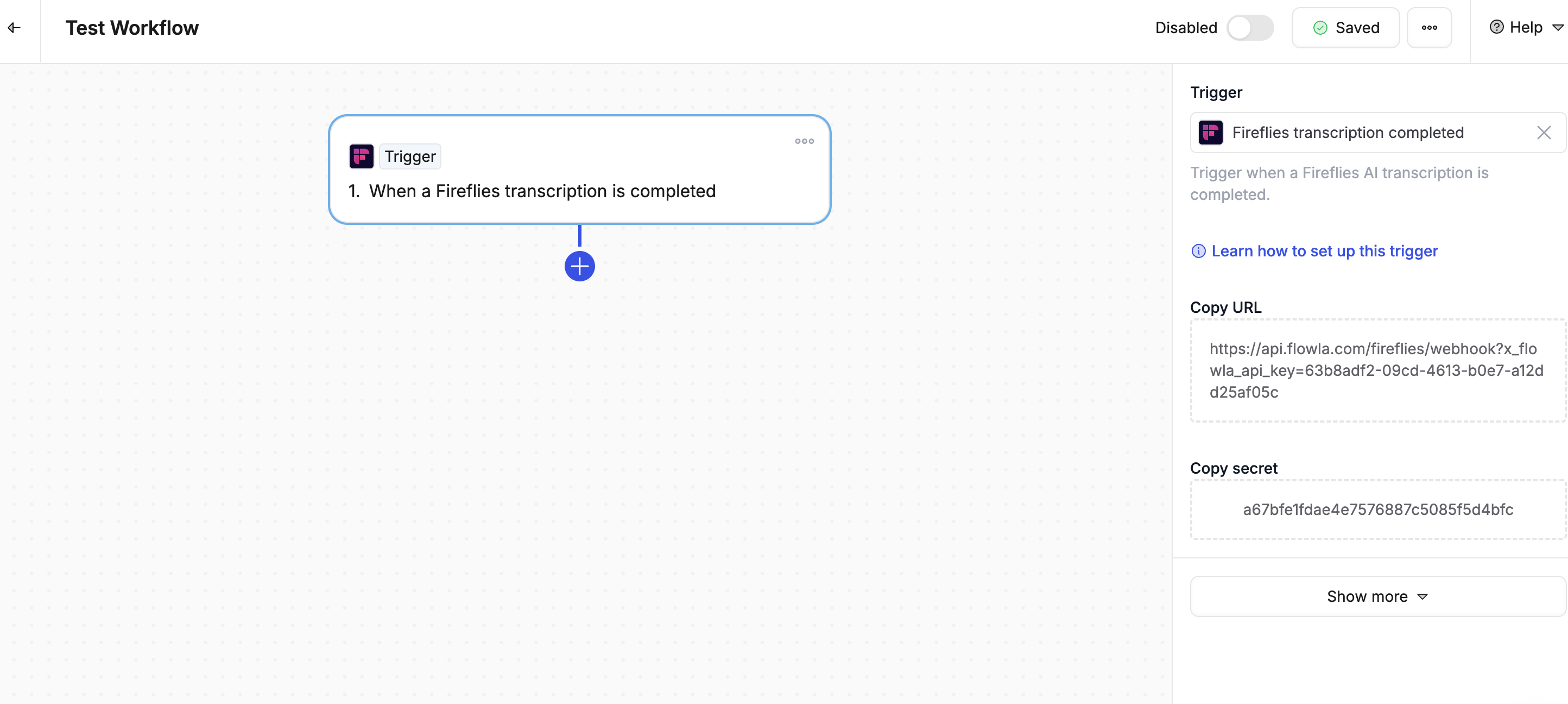
| Fireflies transcription completed | Fires when Fireflies.ai processes a call |
| Gong transcription completed | Fires when Gong processes a call |
Email
| Trigger | Description |
|---|
| Gmail thread email received | Fires when a new email arrives in a tracked thread |
Webhooks & External Apps
| Trigger | Description |
|---|
| Custom webhook | Fires via API or webhook for custom integrations |
What are scopes
Sometimes you don’t want your workflow to trigger every time something changes—just when something specific happens.
That’s where scopes come in.
A scope helps you define exactly when a trigger should fire. Think of it like a filter, but smarter.
Example:
- Trigger: Deal status changed
- Scope: Only if the new stage is Contract Sent
So instead of running every time the deal stage changes, it only runs at the right moment.
Best practices
- Start specific - Begin with narrow conditions, expand later
- Avoid duplicates - Check for existing workflows with similar triggers
- Test thoroughly - Create test records to verify trigger behavior
- Use scopes - Filter to relevant scenarios
- Monitor performance - Review workflow logs to ensure triggers fire correctly