

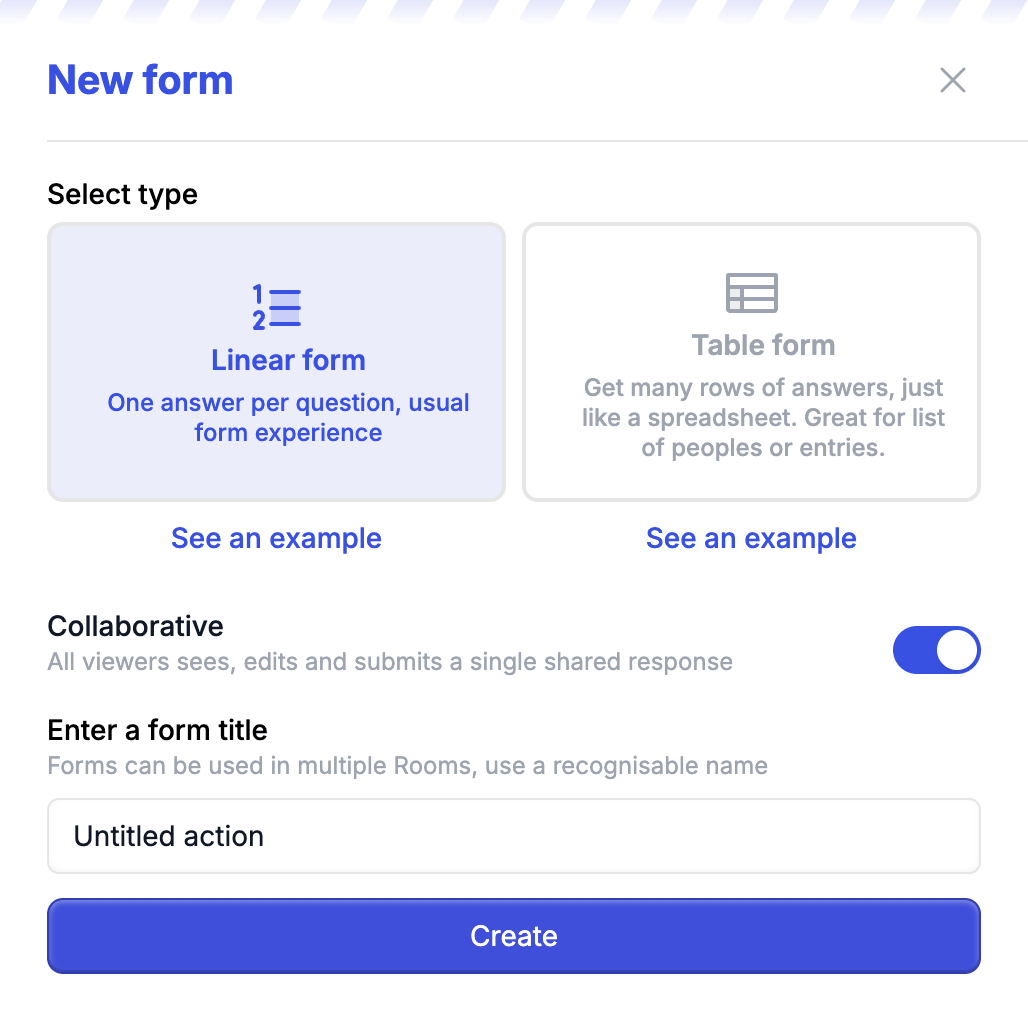
Linear forms
Linear forms present one question at a time, guiding respondents through a structured flow. Best for:- Qualification questionnaires with conditional logic
- Onboarding intake where context matters
- Feedback collection requiring thoughtful responses
- Any form where question order and focus are important
Table forms
Table forms display fields as columns in a spreadsheet-style interface, allowing multiple entries as rows. Best for:- Collecting lists of items (contacts, requirements, action items)
- Data that needs to be compared across entries
- Bulk data entry from multiple contributors
- Any scenario requiring many similar records