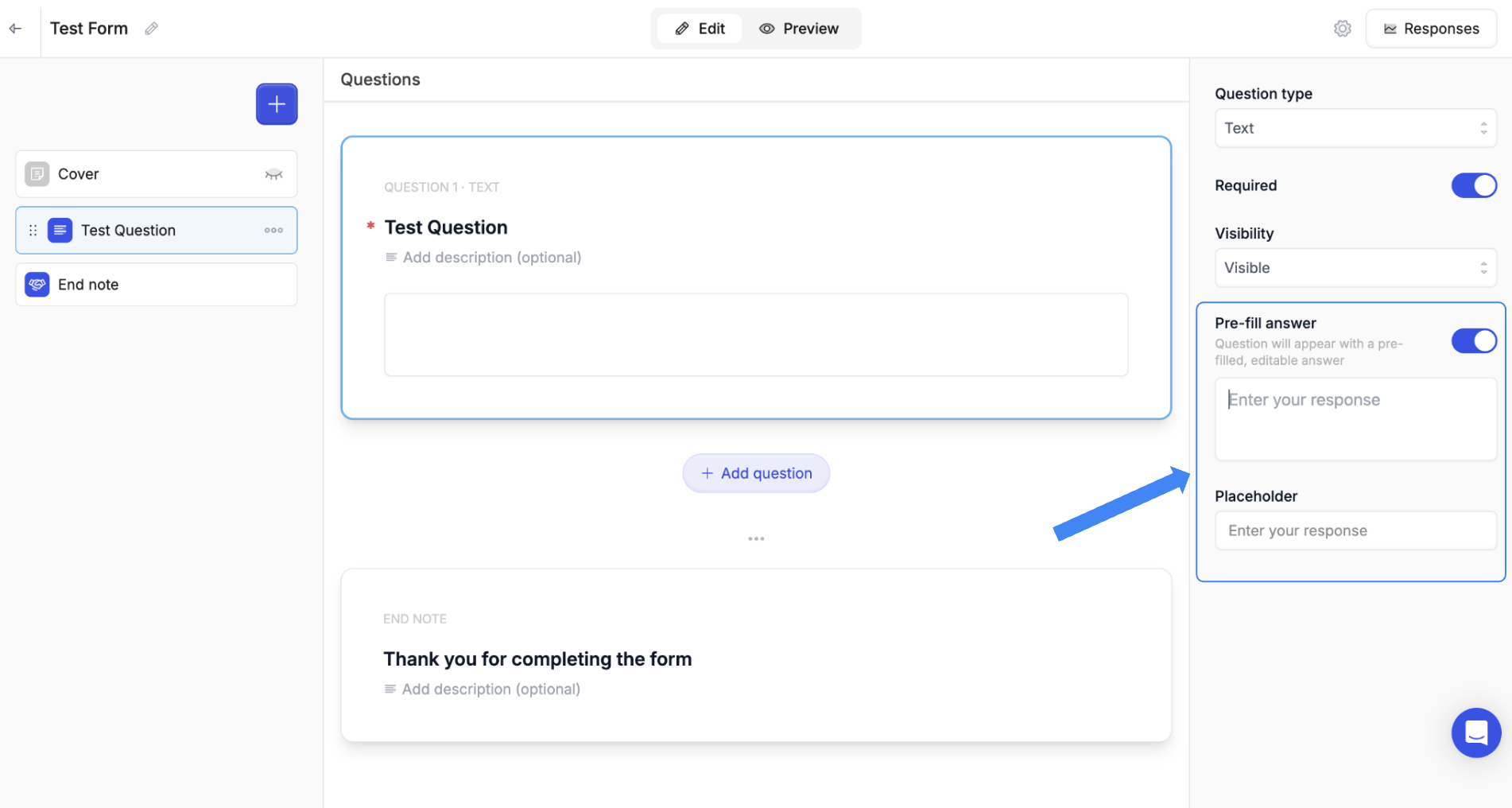
| Text | Short or long text input | Names, descriptions, comments |
| Email | Email address with validation | Contact information |
| Number | Numeric input only | Quantities, budgets, scores |
| Link | URL input with validation | Website URLs, resource links |
| Date | Single date picker | Deadlines, target dates |
| Date Range | Start and end date | Project timelines, periods |
| Date Time | Date with time selection | Meeting scheduling, deadlines |
| File Upload | Accept file attachments | Documents, images, contracts |
| Single Choice | Radio buttons — one selection only | Yes/No, categories |
| Multiple Choice | Checkboxes — multiple selections allowed | Features, preferences |