

Why use AI Agents?
Most sales and CS teams spend too much time on things like writing follow-up emails, pulling together business cases, or summarising call takeaways. AI Agents handle these steps for you — based on what actually happened, every time. That means you can:- Send better, more personalised follow-ups faster
- Keep deals moving even when you’re back-to-back
- Give your CS team rich context without manually writing it up
- Scale your process without making it feel templated
What can AI Agents do?
Drop an AI Agent anywhere in your workflow before an action. It reads the situation and generates something ready to use. Examples:- Write a personalised follow-up email based on form responses or room activity
- Generate a business case from your call transcript
- Summarise a kickoff form and share the highlights with your CS team
- Notify your team with enriched contact info and engagement insights
- Personalise a proposal or mutual action plan using CRM data
You can review and approve any AI-generated content before it goes out by routing the workflow through your Smart Queue.
Real examples
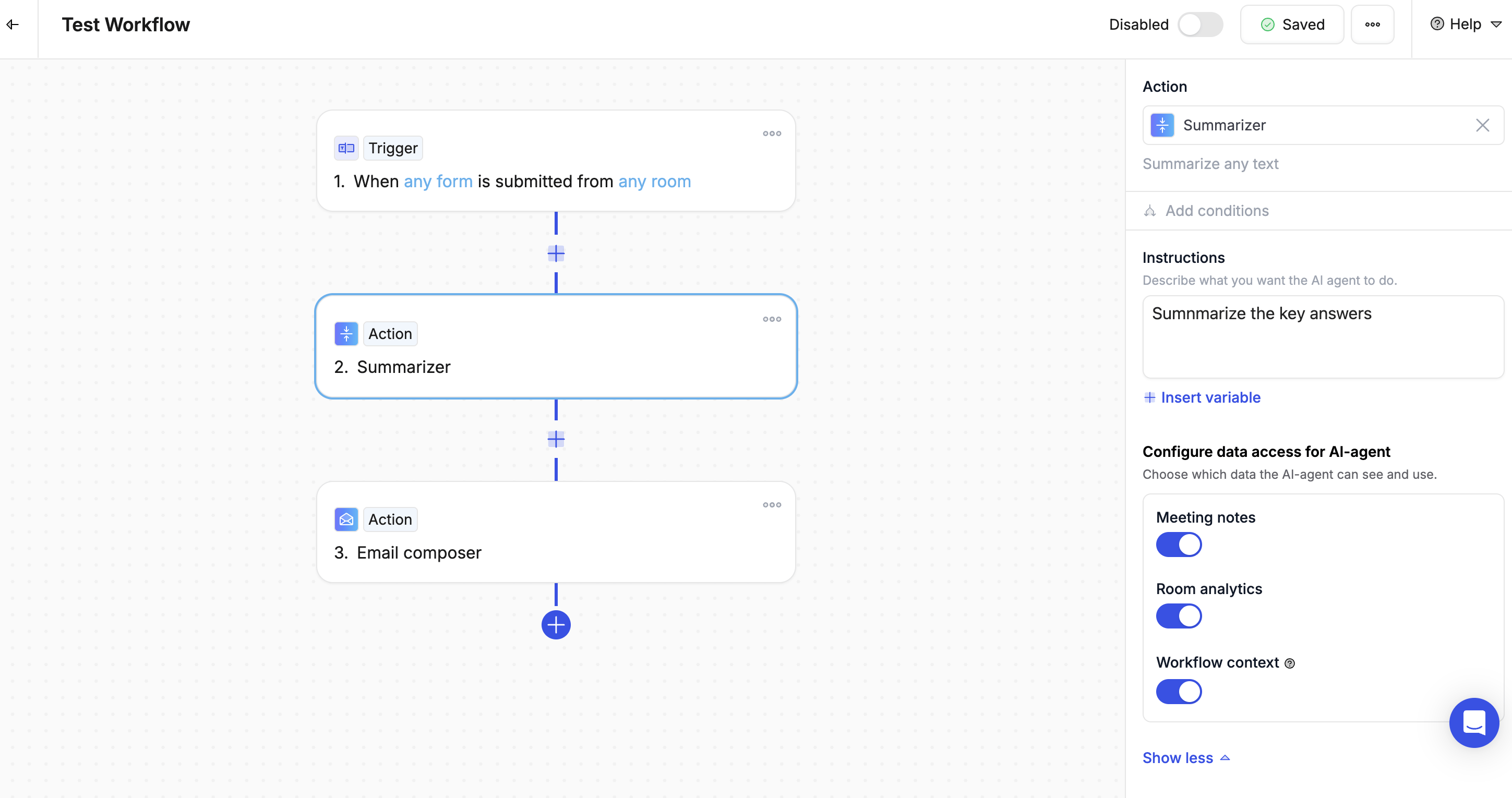
Example 1: Form submitted → Summary sent to team
- Trigger: Kickoff form submitted
- AI Agent: Summarise the key answers
- Action: Email or Slack the summary to your CS team
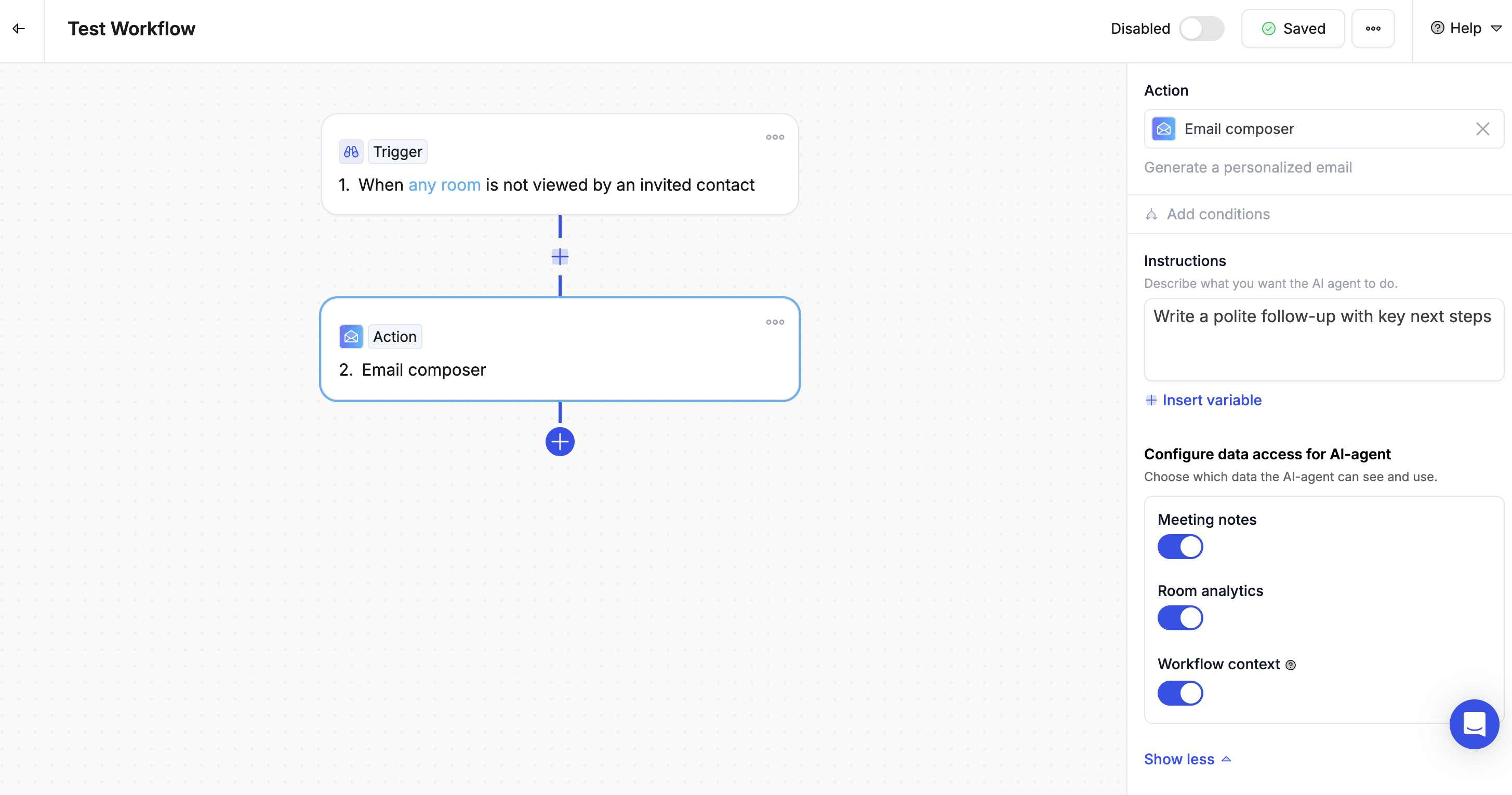
Example 2: Room not viewed → Nudge email
- Trigger: Room not opened after 3 days
- AI Agent: Write a friendly follow-up with key next steps
- Action: Send the email from the rep’s work address, personalised with the contact’s name and room link
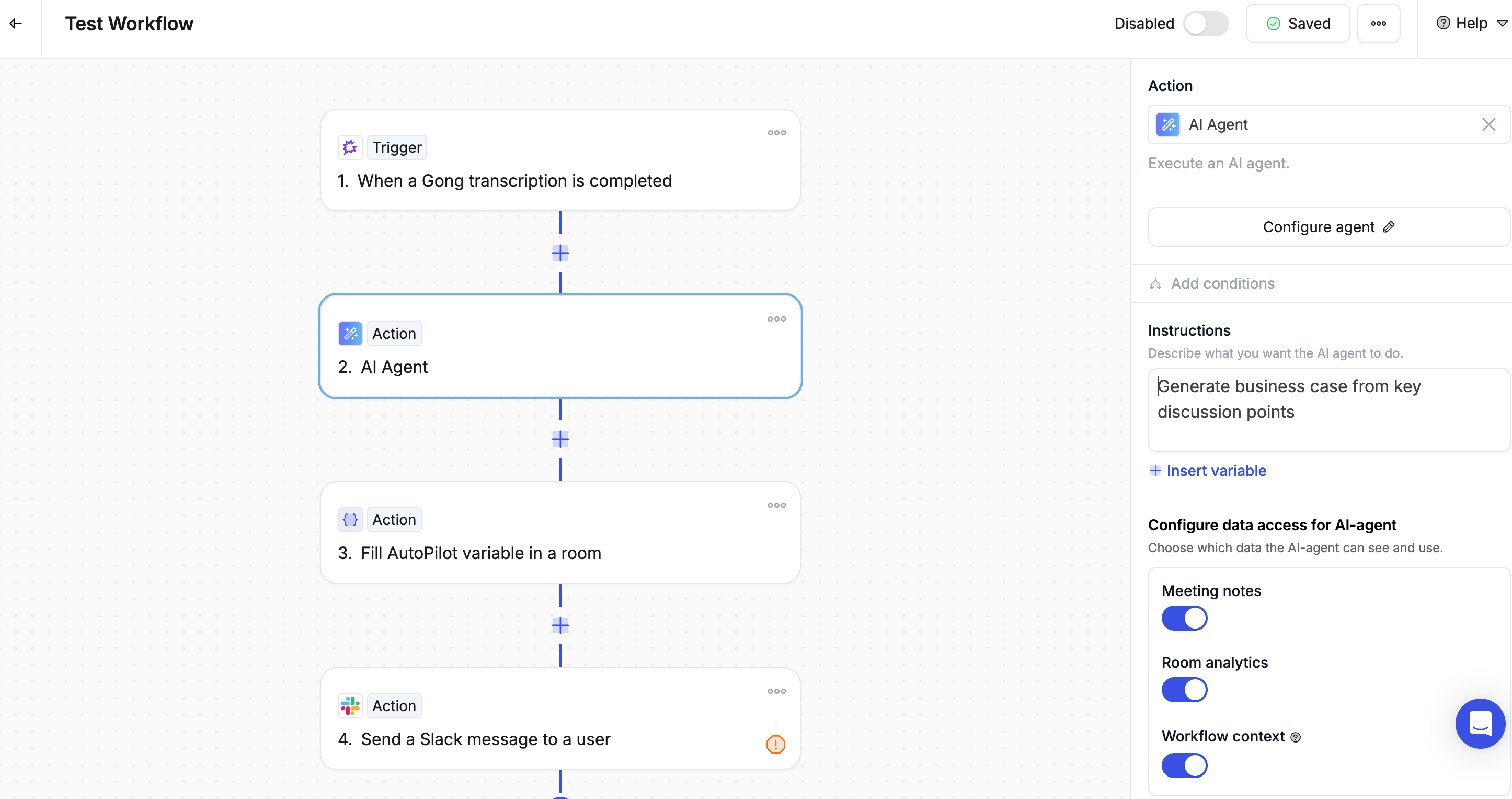
Example 3: Call transcript → Business case
- Trigger: Gong call recording processed
- AI Agent: Generate a business case from the key discussion points
- Action: Add it to the room and notify the deal owner
Writing a good prompt
The better your instructions, the better the output. A strong prompt includes five things:- Role — Who should the AI write as?
- Task — What should it produce?
- Context — What information should it use? (Use variables to pull in real data)
- Constraints — How long? What tone? What format?
- Example — What does a good result look like?
Best practices
- Be specific — Vague instructions produce vague results
- Add context — More relevant data leads to better personalisation
- Set constraints — Always specify the length, tone, and format you want
- Use the Smart Queue — Review AI-generated messages before they reach customers
- Refine over time — Test your prompts and tweak them based on the output you get