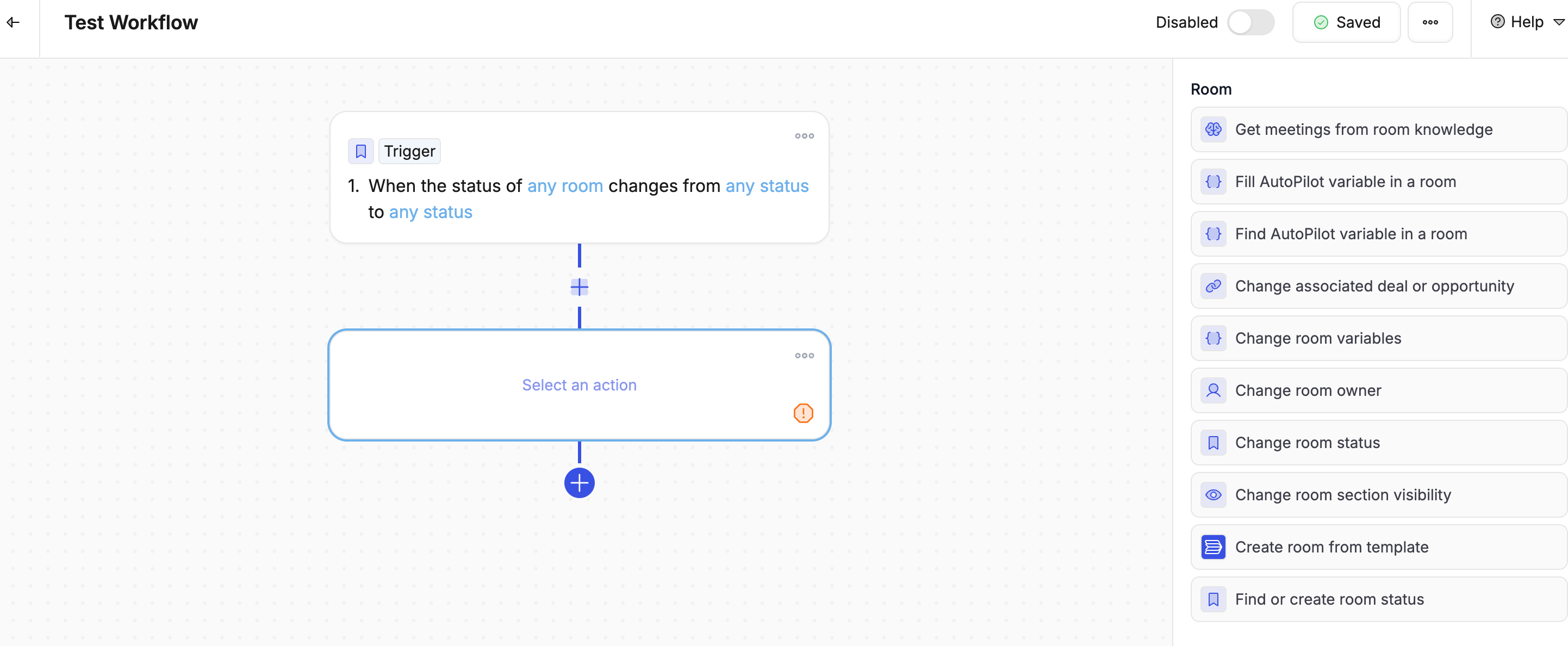
Actions are what your workflow actually does — the steps Flowla takes once a trigger fires.

Room actions

ActionWhat it does
Create room from templateCreates a new room using a template you choose
Change room statusUpdates the room’s status (e.g. active, closed)
Change section accessLock, unlock, hide, or show sections inside a room

Communication actions

ActionWhat it does
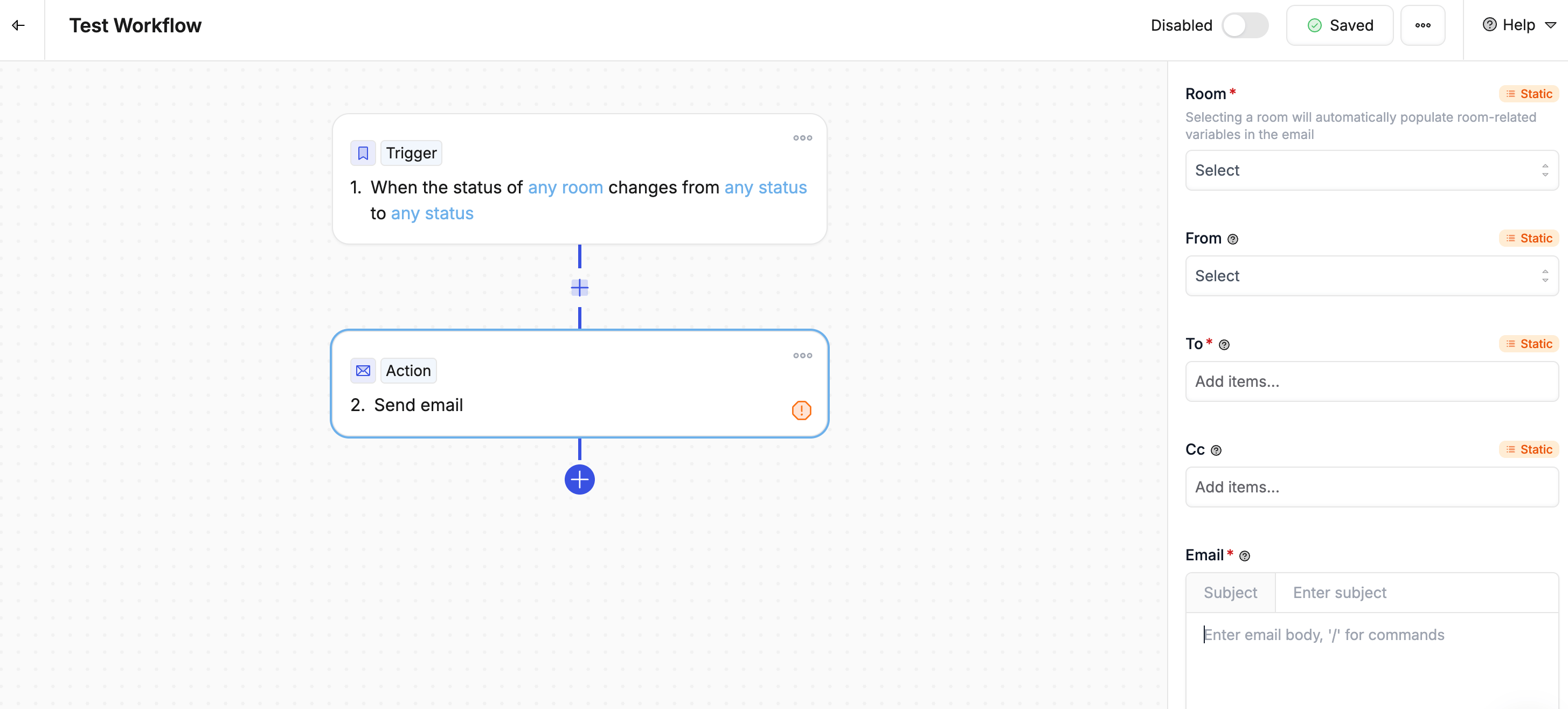
Send emailSends an email from Flowla or via your connected Gmail or Outlook account
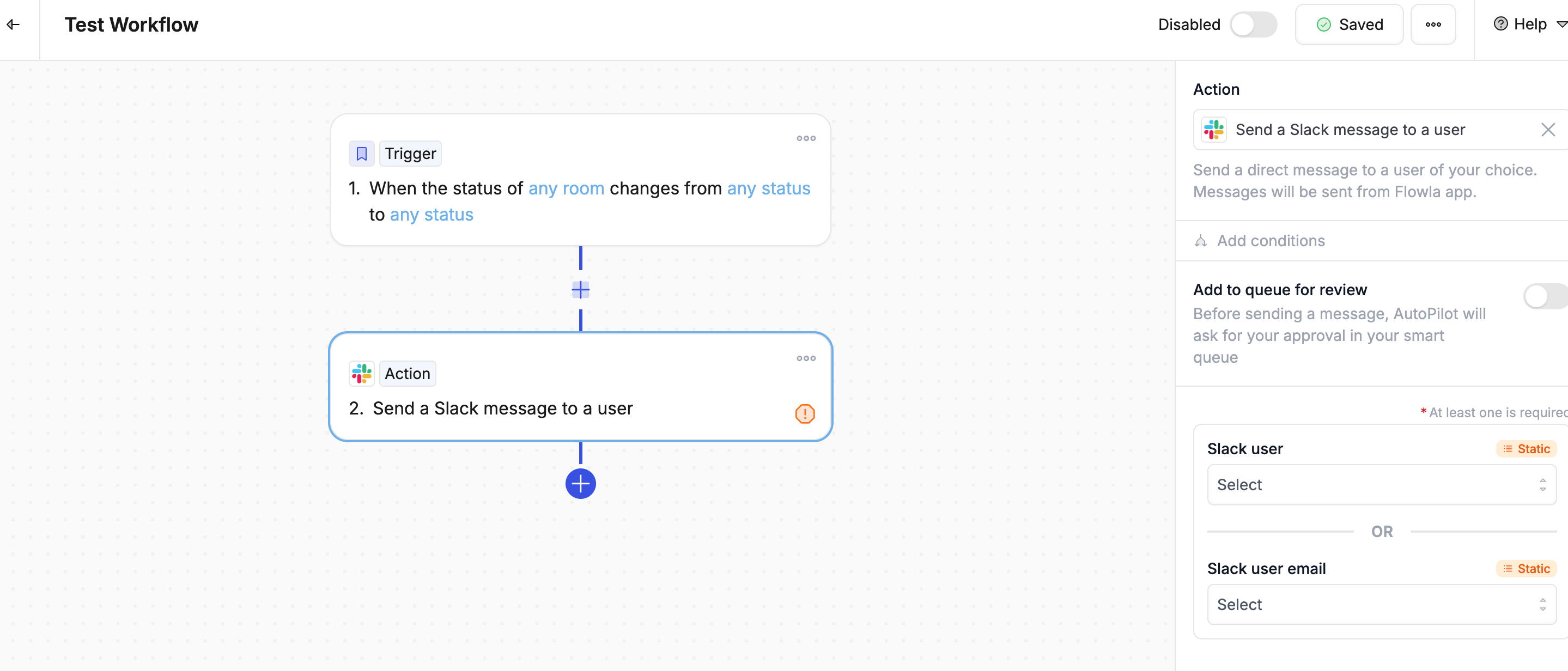
Slack send messagePosts a message to a Slack channel or a specific person

Contact & company actions

ActionWhat it does
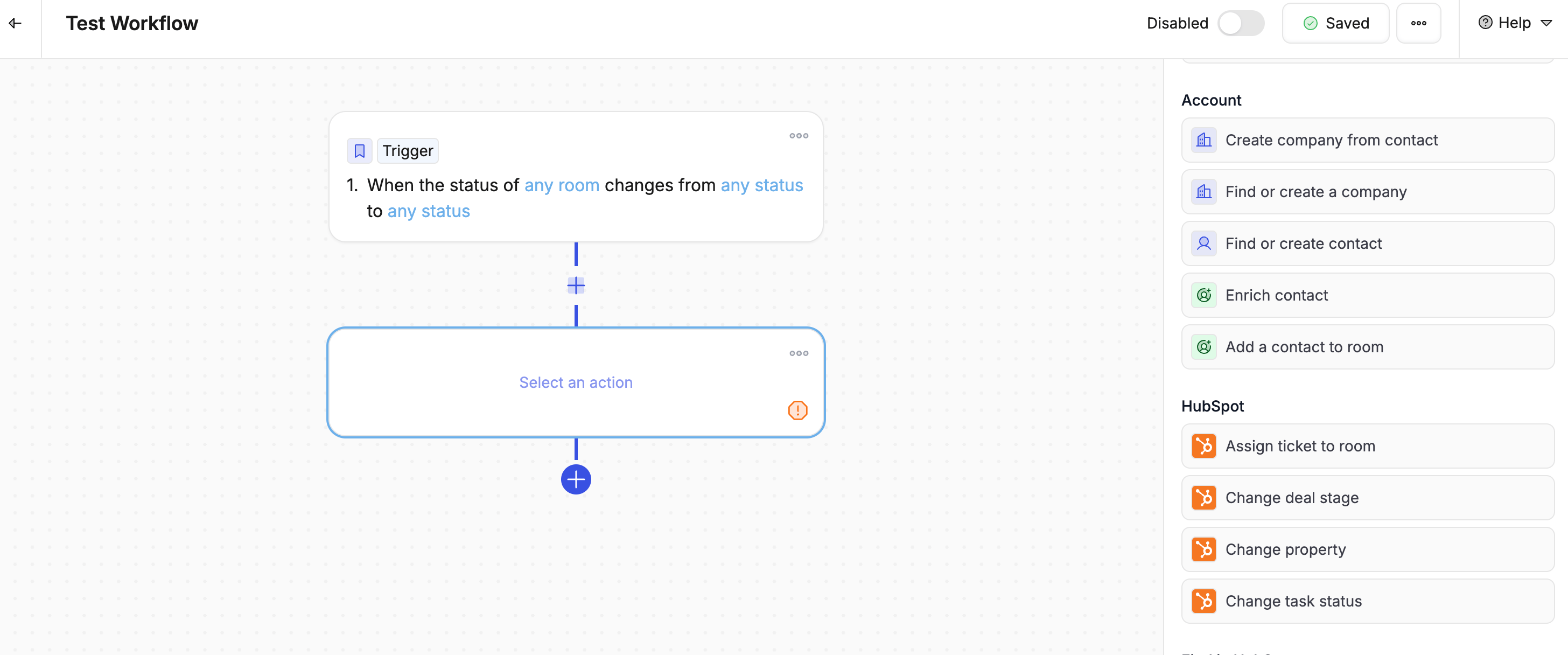
Create company from contactCreates a company record using the contact’s email domain and details
Find or create a companyLooks up an existing company or creates a new one if it doesn’t exist yet
Find or create contactLooks up a contact by email and creates one if they’re not already there
Enrich contactPulls in extra details about a contact — job title, LinkedIn, company info
Add a contact to roomAdds an existing contact as a stakeholder in the current room

Task actions

ActionWhat it does
Create actionAdds a new task to a room
Change action statusMarks a task as done, in progress, or another status
Duplicate actionCopies an existing task

CRM actions — HubSpot

ActionWhat it does
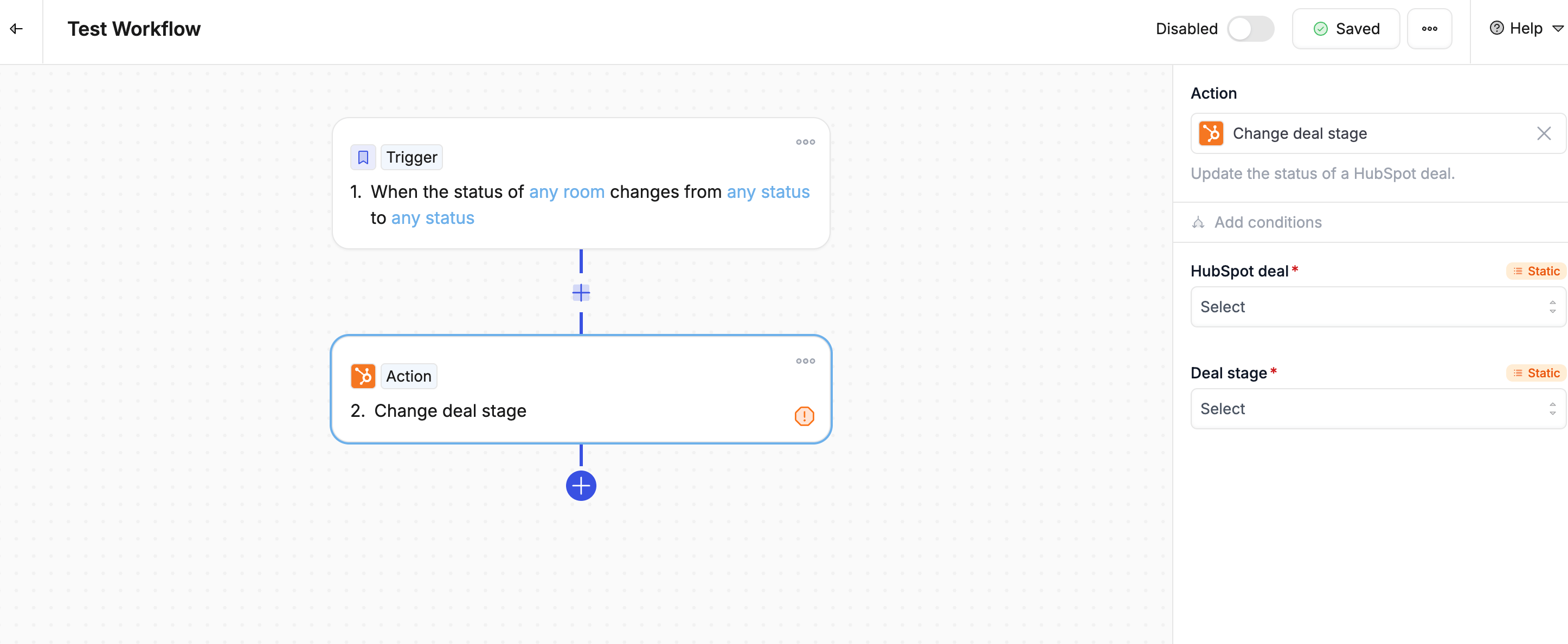
Change deal stageMoves a deal to a different stage in HubSpot
Change propertyUpdates any field in HubSpot

CRM actions — Salesforce

ActionWhat it does
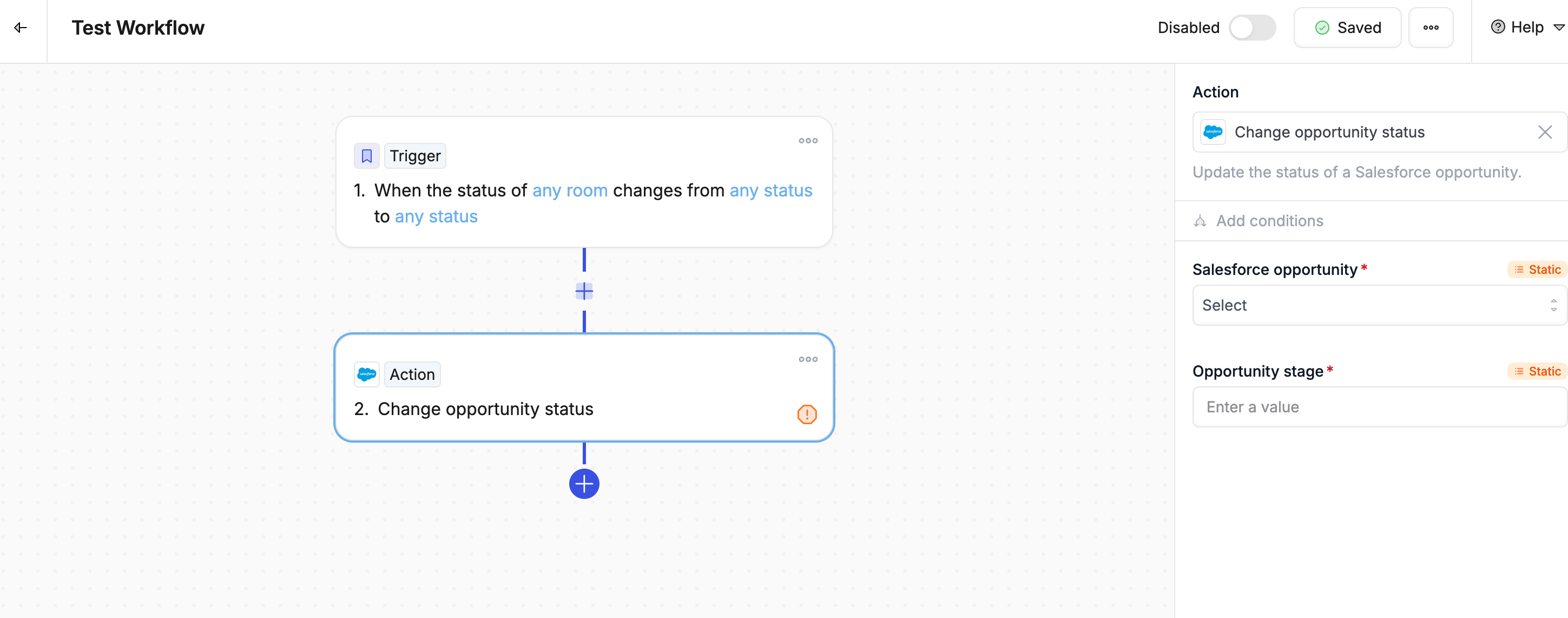
Change opportunity statusMoves an opportunity to a different stage in Salesforce
Change propertyUpdates any field in Salesforce

CRM actions — Attio

ActionWhat it does
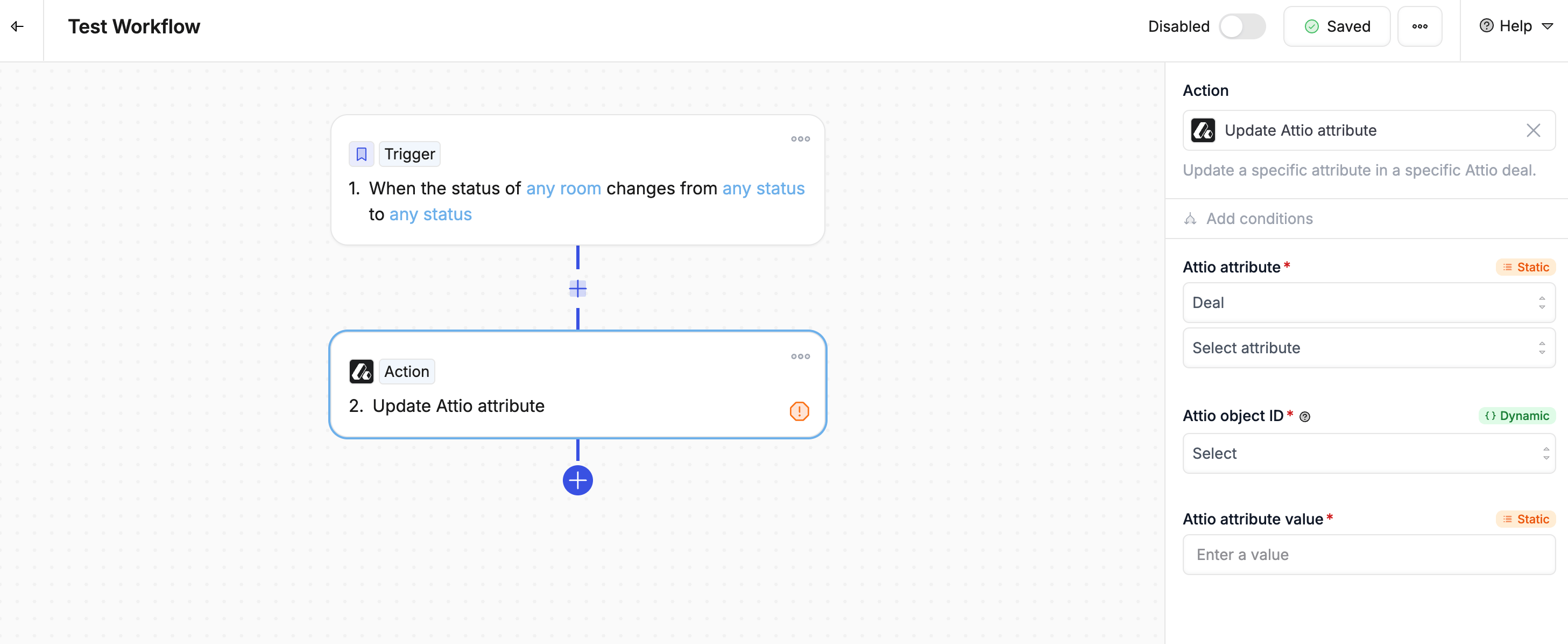
Find Attio dealSearches for an existing deal record in Attio
Change propertyUpdates any field in Attio

AI actions

ActionWhat it does
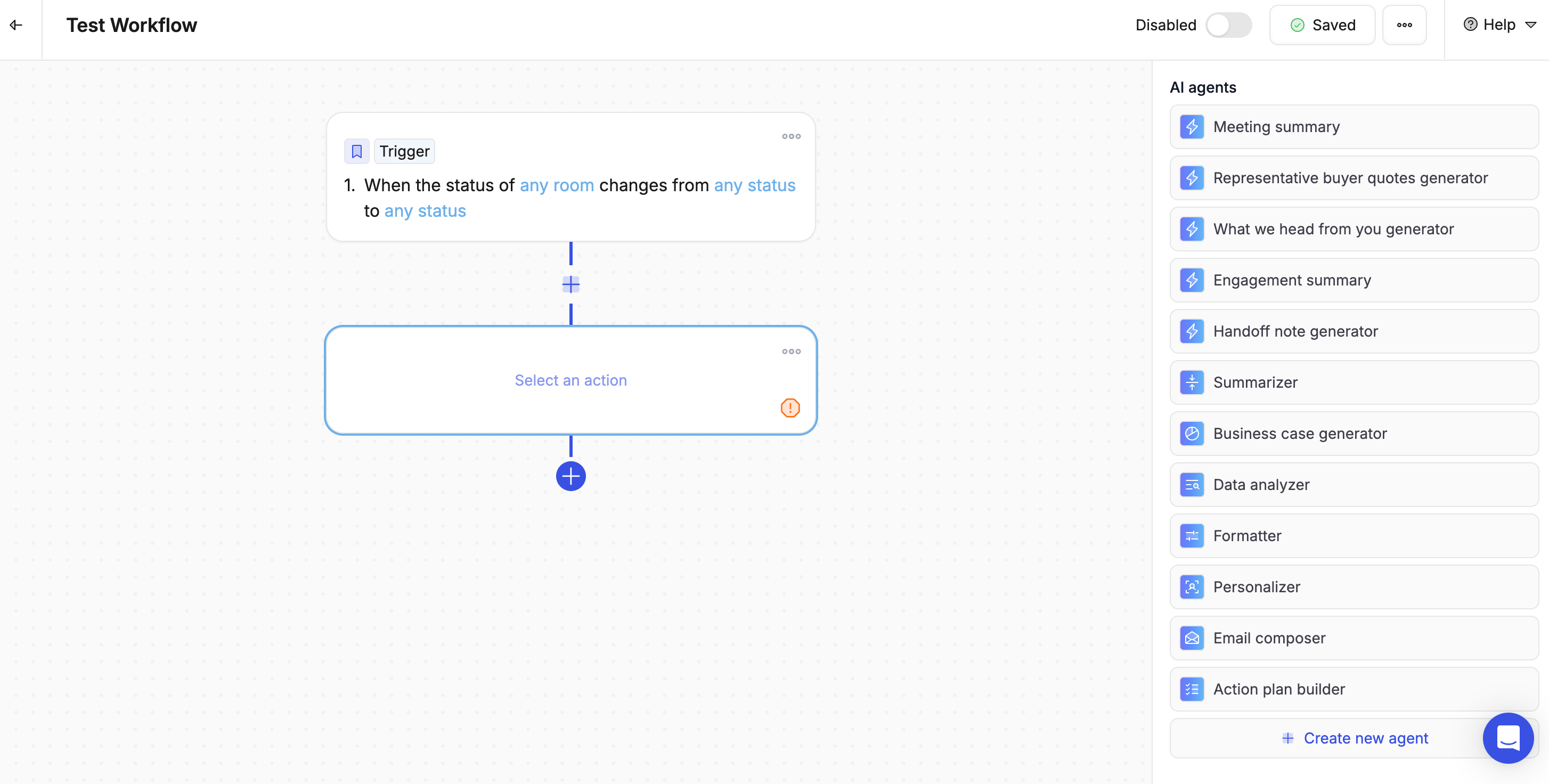
AI promptGenerates content using custom instructions you provide

Advanced actions

ActionWhat it does
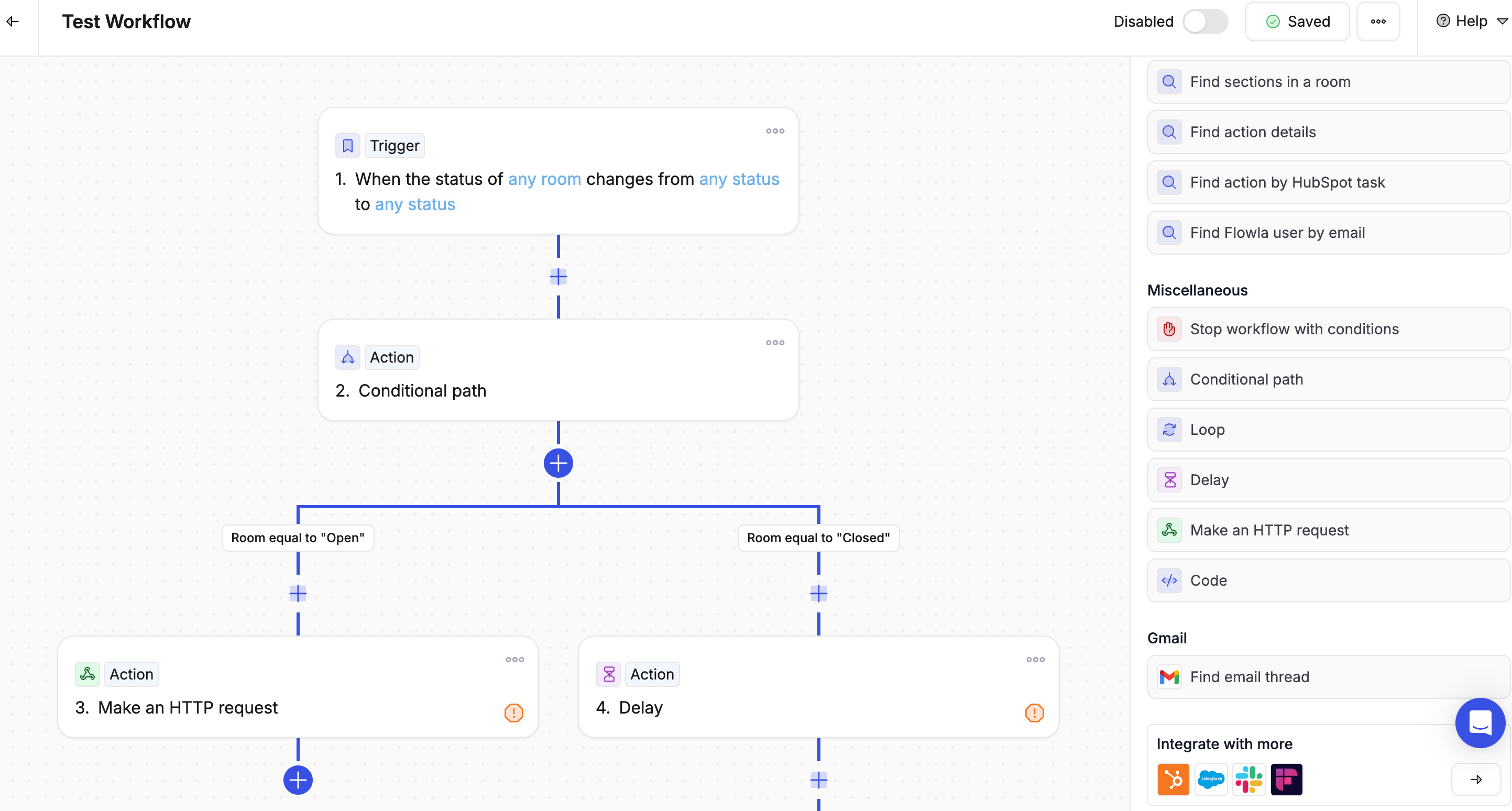
Stop workflow with conditionsStops the workflow if certain conditions are met
Conditional pathBranches the workflow in different directions based on logic
LoopRepeats a set of actions for each item in a list
DelayPauses the workflow for a set amount of time before continuing
Make an HTTP requestSends a request to an external tool or service
CodeRuns custom code at a specific point in the workflow

Configuring actions

Using dynamic values You can pull in real data from earlier in the workflow — like the contact’s name, the room link, or the deal name — so each action is personalized automatically. Examples:
  • {{trigger.deal_name}} — the name of the deal that triggered the workflow
  • {{contact.email}} — the contact’s email address
  • {{room.link}} — the shareable link to the room
Use dynamic values wherever possible — hardcoding a contact name or email address makes the workflow brittle and less useful across your team.
Sending to the Smart Queue for review Toggle on “Add to queue for review” on any action to hold it for your approval before it runs. This is especially useful for AI-generated emails or updates you want to check before they go out.

Best practices

  1. Order actions logically — Run them in the sequence they should happen
  2. Use dynamic values — Personalise each action with real data from the trigger
  3. Plan for errors — Think about what should happen if an action doesn’t work
  4. Test one step at a time — Add actions gradually and verify each one before adding the next