

Where your content can come from
When you add one of these blocks, choose where the file or link comes from:
You can also click Select from library or Add from Google Drive at the bottom of the block menu. A Google Drive file can stay in sync with the original.
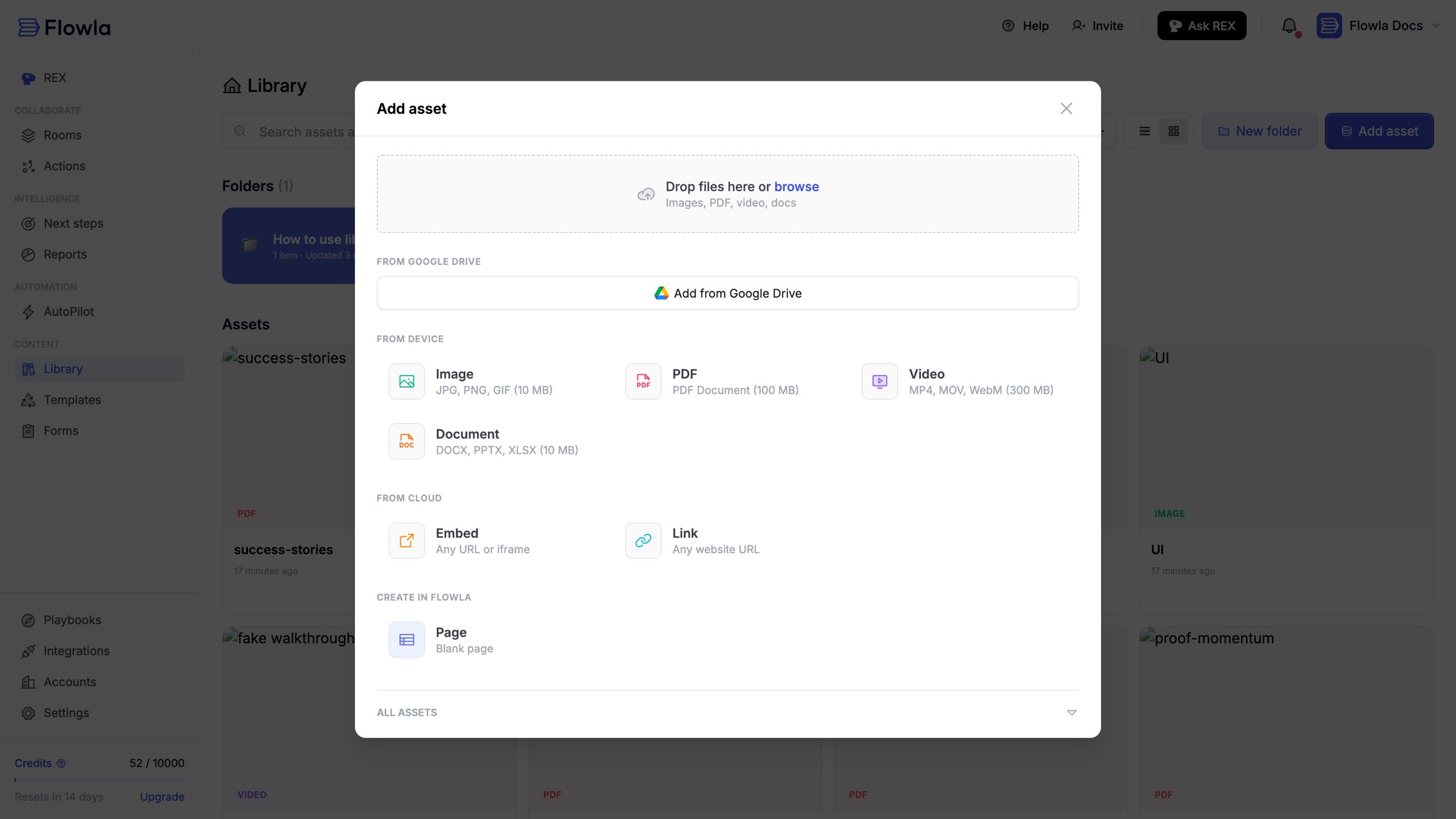
The Add asset dialog
Which block to use
For tools like Figma, Notion, Canva or Google Sheets, click See all blocks in the block menu. It lists 50+ tools you can embed.
Meetings
Meeting blocks show the calls synced to the room from your note taker or calendar, so buyers can rewatch them. Choose Meeting in the block menu, then:- Meeting list shows all of the room’s meetings and adds new ones as they sync. Each meeting shows its recording, title, attendees and date. Hover a meeting and click Show details to open it.
- Meeting shows one meeting you pick, with its title, description, date and attendees.
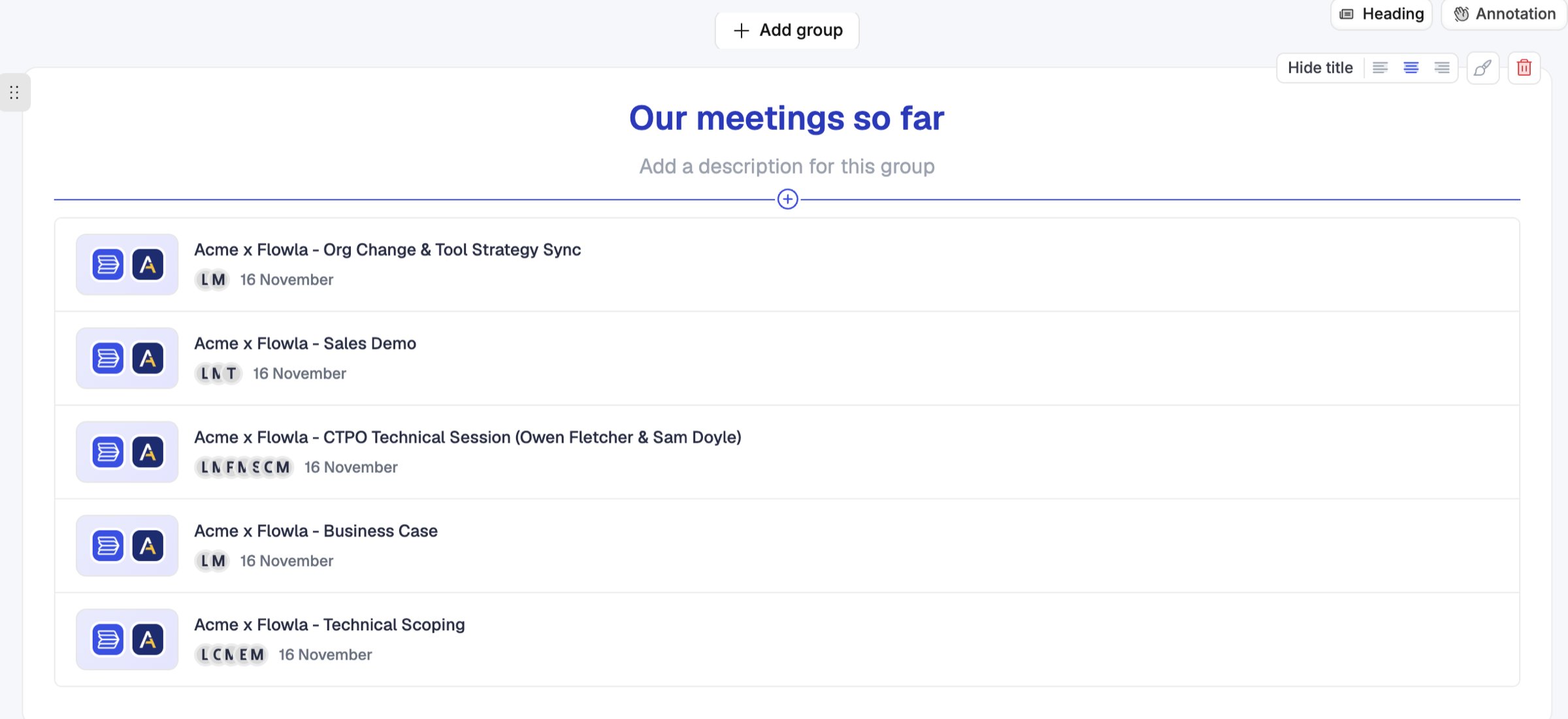
A meeting list block in a room
Resize a block
- PDF, Video and Image: drag the left or right edge to change the width. Videos keep their shape.
- Link preview: drag the bottom edge to change the height.
Link cards
A Link block shows a title, an optional description and a cover image. Click its settings to change the button text or add a second button with another link.Downloads
Buyers can download PDFs, videos and other files from the room. To stop that for a room, turn on Disable downloads in its share settings.Troubleshooting
My video won't upload
My video won't upload
Try an MP4 or MOV file. For large videos, upload them to YouTube, Loom or Vimeo and add the link instead.
A web page says it refused to connect
A web page says it refused to connect
Some sites, like Airtable and some Google products, don’t allow other sites to show them. Use a Link block or a Button instead, which opens the page in a new tab.
My image won't upload
My image won't upload
Use a JPG, PNG or GIF file. HEIC photos from iPhones aren’t supported, so convert them first.
How do I add Google Slides or PowerPoint?
How do I add Google Slides or PowerPoint?
Add the file with Add from Google Drive, or upload it to a Document block.